
Published on
Ask five vendors the difference between an AI agent and a chatbot, and you will get five answers, most of them shaped by whatever that vendor sells. Meanwhile, the actual question on your desk is simpler: do we need the expensive thing, or will the cheap thing do the job?
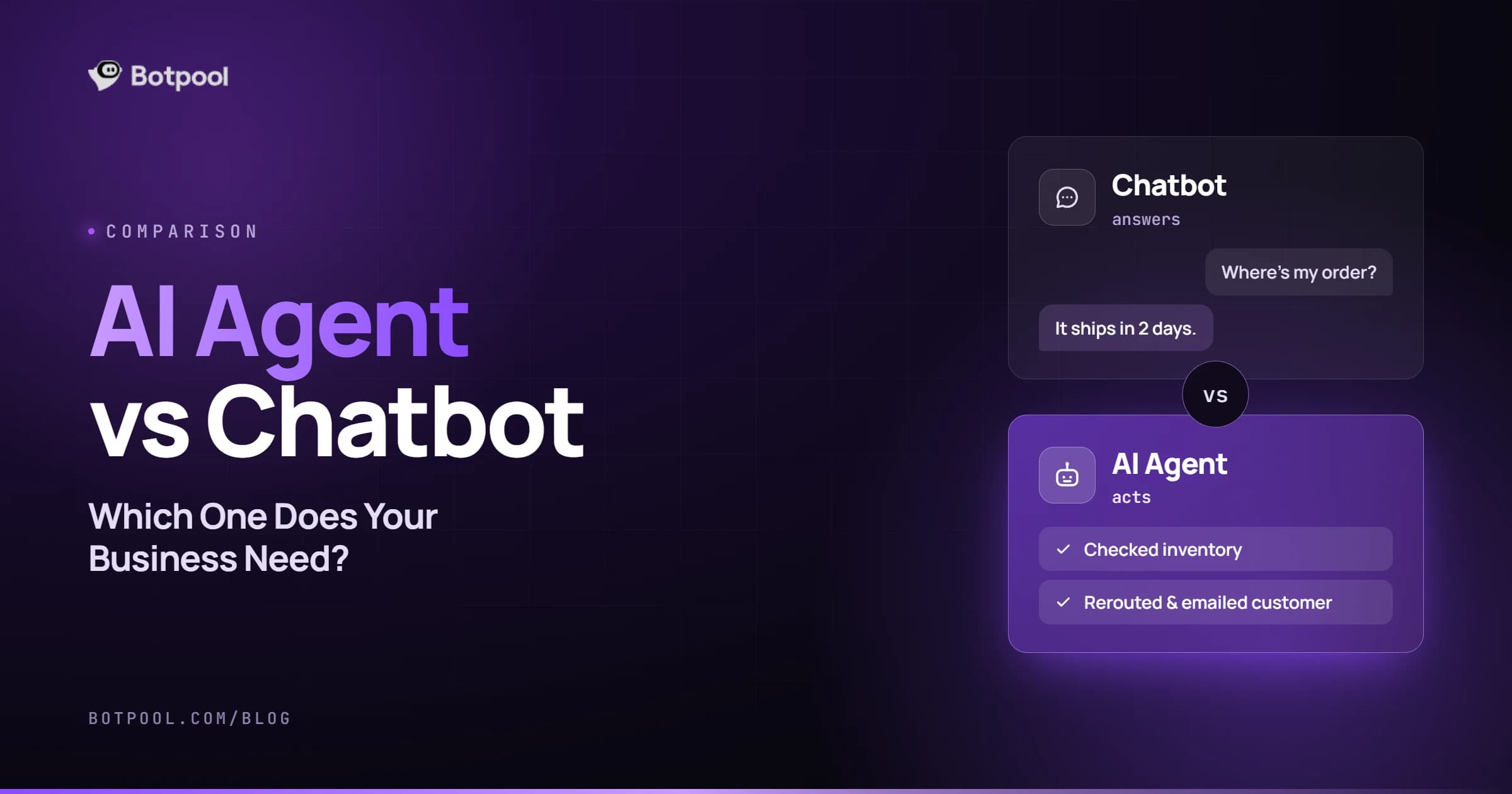
Here is the short version. A chatbot talks. An AI agent talks and acts. A chatbot answers a question or guides someone through a flow. An agent takes a goal, decides the steps itself, calls tools or APIs to carry them out, and keeps going until the job is done.
This guide goes past the definition. I will cover the three tiers that actually exist (not two), a test you can run in ten minutes to decide which one fits, what each costs and how long it takes to build, and the hybrid setup most businesses end up with.
There Are Three Tiers, Not Two
Most comparison articles put rule-based bots on one side and autonomous agents on the other. That framing makes agents look like the only modern option. In practice, there is a large and very useful middle tier.
Tier | What it is | What it can do | What it cannot do |
|---|---|---|---|
Rule-based chatbot | Decision trees and scripted replies | Answer fixed questions, route to a department, collect details | Handle anything outside the script |
LLM assistant with retrieval | A language model grounded in your own content (RAG) | Answer in natural language from your docs, policies and product info, with no scripted path | Change anything in your systems |
AI agent | A model with tools, memory and a loop | Look things up, decide what to do, update records, send messages, retry when a step fails | Stay predictable without guardrails |
That middle tier is where a lot of businesses find their answer. It handles open-ended questions without the engineering burden of letting software act on your behalf.
Anthropic's engineering team draws a related line between <a href="https://www.anthropic.com/engineering/building-effective-agents" rel="nofollow noopener" target="_blank">workflows and agents</a>: workflows run LLMs and tools through predefined code paths, while agents let the model direct its own process and tool use. Their advice is to find the simplest solution first and only add complexity when it demonstrably improves the outcome, since agentic systems trade latency and cost for task performance. That is a good instinct to borrow before anyone writes a quote.
AI Agent vs Chatbot: The Real Differences
Comparison point | Chatbot | AI agent |
|---|---|---|
Main job | Answering and guiding | Completing tasks |
Autonomy | Reactive, waits for each message | Runs a reason, act, observe loop until the goal is met |
Tool use | Replies with text or links | Calls APIs and tools to update records, send emails, process requests |
Memory | Usually one conversation | Short-term plus longer-term memory across steps and sessions |
Failure mode | Says something unhelpful | Does something unhelpful, which may need undoing |
Build time | Days to a few weeks | Weeks to months |
Typical cost | Lower, with cheaper running costs | Higher build, and token use that is often 5 to 20 times greater per task |
The failure mode row is the one worth sitting with. A chatbot that gets confused wastes a customer's time. A confused agent can change your data. Everything expensive about agent projects follows from that difference.
Agents reach your systems through tool calls, increasingly over shared standards like the <a href="https://modelcontextprotocol.io" rel="nofollow noopener" target="_blank">Model Context Protocol</a>, which gives models a consistent way to connect to external tools and data sources instead of a custom integration for every system.
A Ten-Minute Test to Decide
Answer these five questions about the job you want automated.
- Does the work end with an answer, or with a change in a system? Answer means chatbot. Change means agent territory.
- Can you draw the steps as a flowchart that does not change? If yes, you want a workflow automation, not an agent. Fixed sequences are cheaper, faster and more predictable.
- How bad is a wrong action? A wrong answer is embarrassing. A wrong refund is money. The worse the downside, the more approval steps you need, and the more the project costs.
- How much time does one resolution save? This is the question most teams skip. Answering an FAQ saves a customer-service agent seconds. Completing a return or updating a subscription saves minutes. Automating 10% of your genuinely manual work often beats automating 50% of your quick questions.
- Is your data ready? An agent that acts on stale or scattered records will act wrongly, confidently and at speed.
If your answers point to "ends with an answer", "steps are predictable," and "low downside", you need a good chatbot and you can stop reading vendor pitches about autonomy.
When a Chatbot Is the Right Call
A chatbot is usually the better choice when:
- Most queries are repeat questions with stable answers (hours, policies, pricing, how-to).
- You need tight control over wording, for brand, legal, or regulatory reasons.
- You want something live in weeks, not quarters.
- Your systems are not ready to be touched by software that makes its own decisions.
Modern chatbots are not the clumsy scripted bots of a few years ago. One grounded in your help center can handle wide-ranging questions in natural language and hand off cleanly to a person when it is unsure. Teams usually bring in AI chatbot developers who design, train, and integrate conversational systems at this stage, and the budget side is covered in our breakdown of what chatbot development actually costs.
There is a reason experienced teams defend this option. Simple and reliable beats clever and flaky, especially on a customer-facing channel where every failure is visible.
When an AI Agent Earns Its Complexity
An agent is worth the extra cost and risk when:
- The task spans several systems, such as checking an order, applying a policy rule, and issuing a credit.
- The number of steps varies by case, so you cannot hardcode the path.
- The work is genuinely manual and repetitive today, and each completion saves real minutes.
- You have clean data and documented APIs for the systems involved.
Customer support is the common starting point, because the tasks are high volume and well understood. A support setup where the AI resolves the full request rather than describing how to resolve it is the practical version of a 24/7 AI customer service system. Sales operations, finance reconciliation, and onboarding are the other areas where agents tend to pay off quickly.
When you reach this point, the skill set changes too. You are no longer hiring someone to write good prompts. You need AI agent developers who handle orchestration, tool use and system integrations, and the cost structure is different enough that we covered it separately in our guide to AI agent development cost.
The Middle Option Most People Forget
Before you choose between the two, check whether your problem is actually a workflow.
If the steps are the same every time (an email arrives, it gets classified, a record gets created, a notification goes out), you do not need a system that reasons about what to do. You need a reliable pipeline with an AI step inside it. That is cheaper to build, cheaper to run, and far easier to debug.
A lot of what gets sold as agentic work fits here. Teams who automate repetitive business tasks with AI through tools like n8n, Make, or Zapier often get 80% of the value in a fraction of the time, and specialists such as n8n experts who build automation workflows can usually ship one in days.
The Hybrid Most Businesses Land On
In practice, the strongest setups are not one or the other. They look like this:
- A conversational front door that handles questions from your knowledge base. This covers the bulk of the volume.
- A small set of agent actions behind it, each tightly scoped: check order status, update an address, process a return under a set value.
- A human approval step on anything irreversible or above a threshold.
- Clean escalation to a person, with the full conversation attached.
You get the reliability of a chatbot on the common path and the time savings of an agent on the valuable path. Teams building this usually combine knowledge grounding, which is why vector database design for retrieval systems comes up early, with careful work on AI integrations with existing business systems for the action side.
What Changes the Moment You Let AI Act
Giving a system permission to do things introduces a category of risk that chatbots simply do not have. OWASP's 2026 Top 10 for LLM Applications ranks excessive agency third on its list, describing systems given more functionality, permissions, or autonomy than their task requires, with least-privilege design and human approval on irreversible actions as the main defenses.
Translated into project terms, an agent build needs four things a chatbot does not:
- Scoped permissions. The agent gets access to the specific actions it needs and nothing else.
- Approval gates. Refunds, outbound customer emails, and deletions wait for a human until you have evidence they can be trusted.
- Logging you can read. When a customer asks why something happened, you need the trace.
- Cost and loop limits. An agent stuck in a retry loop is a bill as well as a bug.
None of this is a reason to avoid agents. It is a reason to budget for them honestly.
How to Start Without Betting the Company
- Pick one workflow, not a department. The highest-volume manual task is usually the right one.
- Measure the current cost. How many times a month, how many minutes each, what errors happen now. Without this you cannot judge the result. Our look at how AI reduces operating costs covers where savings typically appear.
- Ship the answering layer first. Let it handle questions while you watch real conversations.
- Add one action, in suggest mode. The AI proposes; a human approves. Two weeks of this tells you the accuracy rate.
- Release the leash gradually, one action at a time, keeping approval on anything irreversible.
Writing this down before you request quotes saves more money than any other step. The structure in our guide to writing an AI project brief covers the goal, data, systems and success measures that every estimate depends on. If you want the outcome without running the project, Botpool One handles AI builds end to end.
Common Mistakes
- Buying autonomy you do not need. Most support volume is questions, and questions do not need an agent.
- Calling a fixed sequence an agent. It inflates the quote and the complexity for no benefit.
- Skipping the data work. An agent reading inconsistent records produces confident mistakes.
- No approval step on anything costly. The first bad refund usually buys the approval step for you.
- Judging success by deflection rate alone. Resolving one refund can be worth more than deflecting fifty simple questions.
- Treating it as a launch, not a system. Both chatbots and agents need monitoring and maintenance after go-live.
Frequently Asked Questions
Is ChatGPT an AI agent?
ChatGPT is a chat assistant that becomes agentic when it uses tools, browses, runs code or connects to your apps to complete multi-step tasks. In its plain question-and-answer form, it behaves like a very capable chatbot.
Is an AI agent just a bot?
Not quite. Every agent has some bot-like interface in most cases, but the defining feature is agency: the ability to decide on actions and carry them out. A bot that only produces text, however smart, is not an agent.
What are the types of AI agents?
The classic classification used in AI textbooks has five types: simple reflex agents, model-based reflex agents, goal-based agents, utility-based agents and learning agents. Lists of six or seven usually add hierarchical agents and multi-agent systems. For business buying decisions, the more useful split is simply: does it only answer, or does it also act?
Can a chatbot become an AI agent?
Yes, and this is the most common upgrade path. You add tools, permissions, and a decision loop to an existing assistant. Starting as a chatbot and growing into an agent is usually cheaper and safer than building a fully autonomous system first.
Which is better for customer support?
Most support teams get the best results from a hybrid: a grounded assistant handling questions, a few scoped agent actions for the tasks that eat real time, and a clear path to a human. Pure agents suit mature teams with clean data and documented systems.
How do I create an AI agent?
Define one goal, list the actions it may take and which need approval, connect the systems involved, ground it in your data, add logging and limits, then test against real cases before letting it act alone. Most businesses hire a specialist for the integration and guardrail work rather than building it in-house from scratch.
Are agents more expensive to run than chatbots?
Usually yes. Agents loop, which means several model calls per task instead of one, so token costs per completed task are typically several times higher. The trade is that each completed task saves more time than an answered question.
Final Thoughts
The AI agent versus chatbot question is really a question about what the work ends with. If the job finishes with a good answer, build the simplest thing that answers well. If it finishes with something changing in your systems, and that change currently eats real minutes of someone's day, an agent is worth the extra engineering.
Most businesses need both, in that order: answer first, act second, and only let the system act alone once it has proven it can.
