
Published on
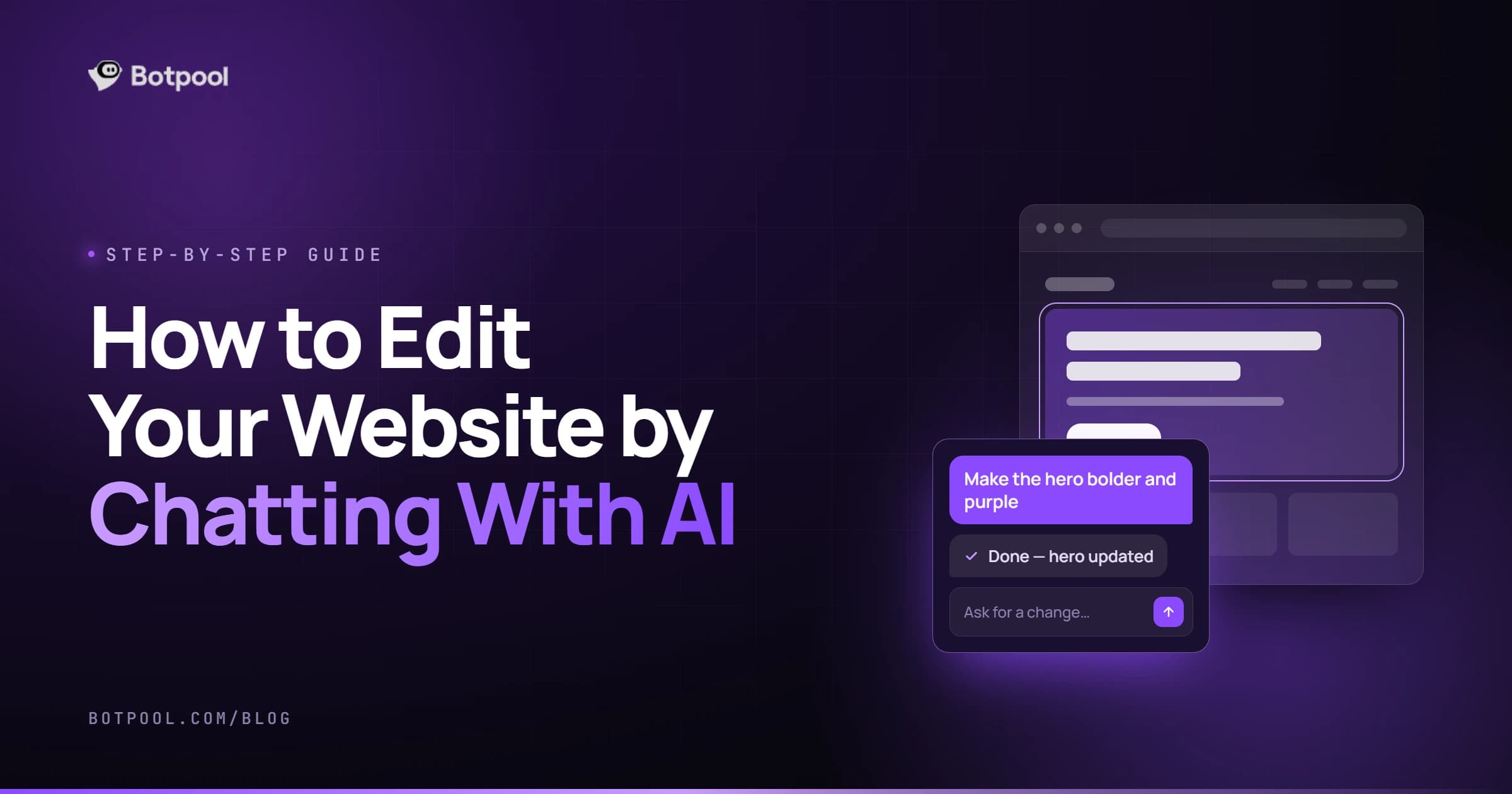
To edit your website by chatting with AI, you type what you want changed in plain English, like "make the homepage headline shorter," and the AI updates that part of your site. In BotPool Create, every change is saved as a version, so you can restore an earlier one in a click if you don't like the result.
I already covered what to fix on a new AI site in my guide on how to customize your site after AI generates it. This post is about how to talk to the AI so your edits land right the first time.
It's written for small business owners, freelancers and anyone who wants to update a site without touching code.
What Does "Editing by Chat" Actually Mean?
Traditional builders make you click through menus, drag blocks and hunt for settings. Chat editing flips that. You describe the change, and the AI figures out where and how to make it.
In BotPool Create, the AI makes the specific change you ask for instead of rebuilding the whole site. That matters, because it means one small request won't undo the work you've already done.
How Chat Editing Works in BotPool Create
- Open your site in the builder.
- Type your request in the chat, in everyday language.
- Review the change on your site.
- Keep it or roll back. Every change is saved, and any version can be restored with one click.
- Publish when you're happy. You can keep editing the live site through chat after that.
On the Pro and Business plans, you can also try curated design directions. They restyle colors, type, spacing and surfaces together while your content stays where it is.
How to Write Edit Requests the AI Gets Right
Most bad edits come from vague requests, not bad AI. These five habits fix that.
1. Name the exact spot
Say which page and which section. "On the About page, in the second paragraph" works far better than "fix the text."
2. Say what to change and what to keep
Tell the AI what must stay the same. For example: "Rewrite the services intro to sound friendlier, but keep the list of services as it is."
3. Describe the result you want
You don't need design terms. Describe the outcome: "Make the contact button easier to spot" is enough. The AI handles the how.
4. Keep each message focused
Group changes that belong together, like all edits to one section. Split unrelated changes into separate messages so each one is easy to check and easy to undo.
5. Give the AI real details
The AI can only work with what it knows. Share your real prices, hours, service areas and offers in the message. Never let it guess facts about your business.
Vague vs Clear Edit Requests
Vague request | Clear request |
|---|---|
"Make it better." | "Shorten the homepage headline to under 8 words and focus it on fast local delivery." |
"Add more info." | "Add an FAQ section to the Services page with 4 questions about pricing, booking and refunds." |
"Change the colors." | "Use a darker navy for the header and keep the rest of the colors the same." |
"Fix the contact page." | "Move the contact form above the map and change the button text to Get a Free Quote." |
"Sound more professional." | "Rewrite the About section in a warm but professional tone, in first person, under 120 words." |
If you want to sharpen your requests even more, my guide on how to write a prompt that builds the website you actually want uses the same thinking for the first draft.
How to Fix an Edit That Went Wrong
It happens. The good news is you can't really break anything, because every version is saved.
- Restore the last version if the change missed the mark completely.
- Narrow the request. If too much changed, ask again and name only the part you want edited.
- Add what to keep. Tell the AI which text, sections or styles must not change.
- Rephrase with an example. Paste a sentence you like and ask it to match that style.
Make Every Chat Edit Count
BotPool Create runs on monthly credits. According to the BotPool Create pricing page, a chat revision uses 15 credits and a full site generation uses 75.
That means the free plan's 150 monthly credits cover about 10 chat revisions. Pro includes 750 credits and Business includes 2,500, and every plan refills monthly. Clear, focused requests mean fewer do-overs and more useful edits per month.
Keep Your Edits Helpful for Visitors and Search
Using AI to write or edit your site is fine for search. In its guidance about AI-generated content, Google says it rewards high-quality content however it's produced. What matters is that the page is helpful, accurate and written for people.
So after each edit, read the page like a customer. Is it clear? Is it true? Does it answer what they came for?
When you swap or add images, ask the AI for descriptive alt text too. The W3C's alt text decision tree is a simple way to check what each image needs.
When Chat Editing Isn't Enough
Chat is great for copy, sections and look-and-feel. Some jobs need a person, like a full brand redesign, custom features or deep technical SEO.
In BotPool Create, you can hand your site to a marketplace expert right from the builder, and they work on the same site with your versions kept. You can also hire AI web and app developers on Botpool for bigger custom builds.
Final Thoughts
Editing by chat works best when you treat the AI like a helpful teammate: be specific, say what to keep, and check each change. Do that, and you can keep your site fresh without code, menus or waiting on anyone.
If you haven't built your site yet, you can start with the free AI website builder and make your first edits in minutes.
Frequently Asked Questions
Can I use AI to update my website?
Yes. With an AI website builder like BotPool Create, you can update text, sections and design by typing what you want. Always check the result for accuracy before you publish.
Do I need coding skills to edit my site by chat?
No. You describe the change in plain English, and the AI makes it. No code or design software is needed.
Will a chat edit change my whole website?
No. The AI makes the specific change you ask for rather than regenerating the whole site. Naming the exact page and section keeps edits tight.
Can I undo an AI edit?
Yes. Every change is saved, and you can restore any earlier version with one click on every plan.
Can I keep editing after my site is published?
Yes. Publishing isn't the end. You can keep refining your live site through chat whenever your business changes.
How many chat edits can I make on the free plan?
The free plan includes 150 credits a month, and each chat revision uses 15, so that's about 10 revisions a month. Credits refill monthly.
How can I use AI to improve my website?
Start with clear goals: sharper headlines, a stronger call to action, an FAQ section and real details about your business. Then make those changes one focused request at a time and review each one.
